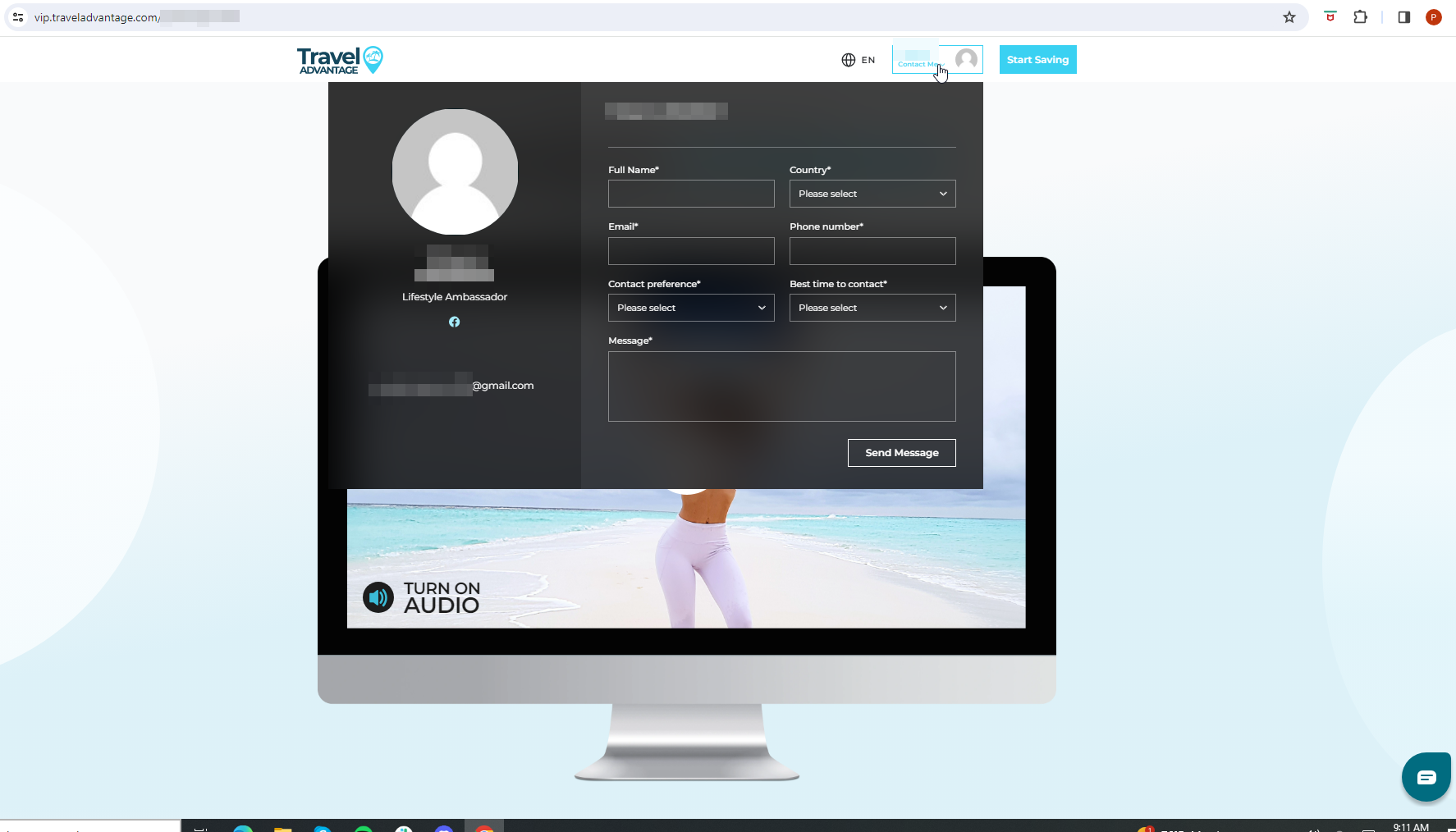
If the sales page's contact form shows empty, like in the screenshot shown below, it's due to your privacy settings.
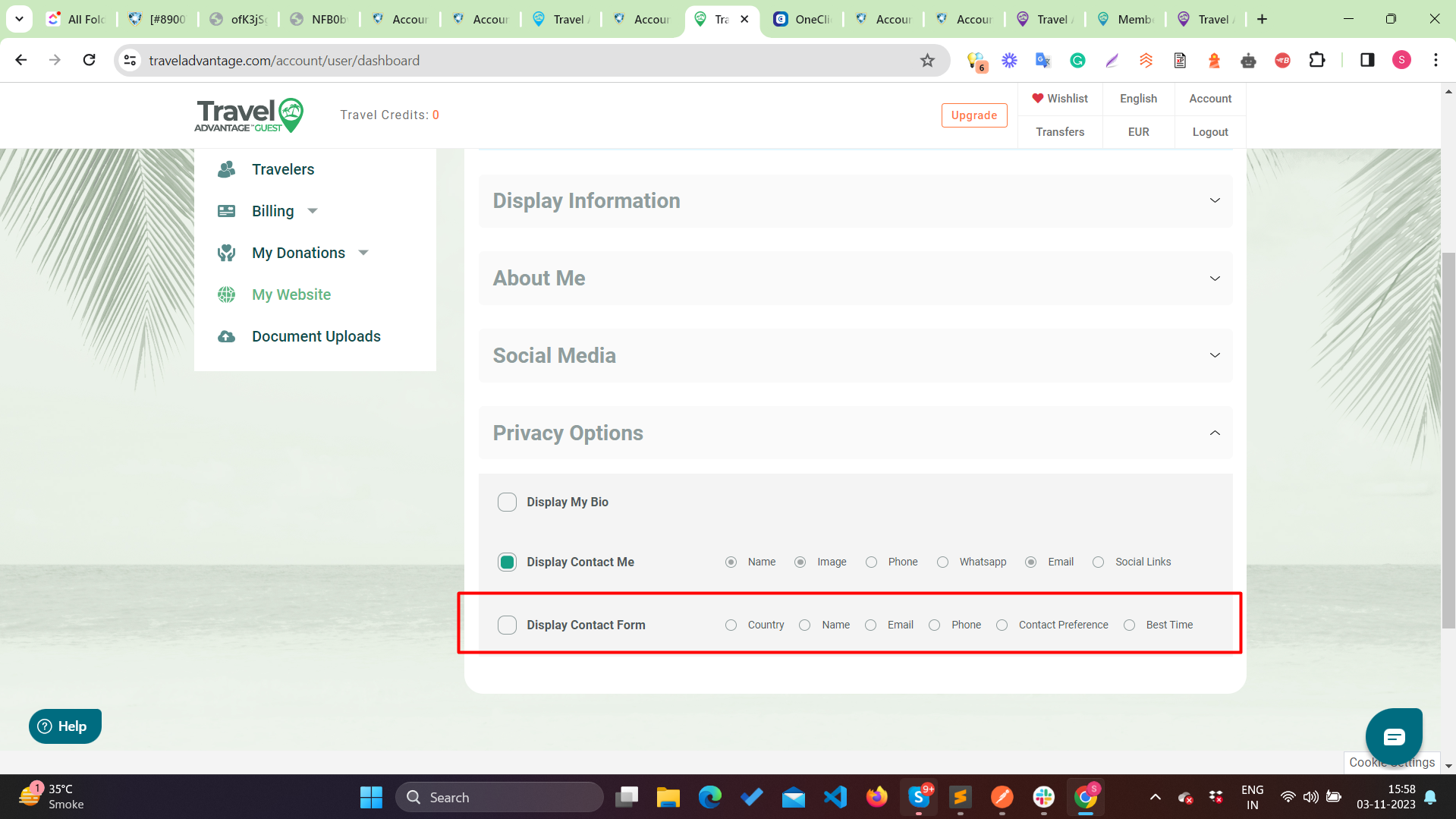
Log in to https://www.traveladvantage.com and click on Account. Once there, go to the "My Website" option from the left menu. Click on Privacy Options - and check for the "Display Contact Form" option:
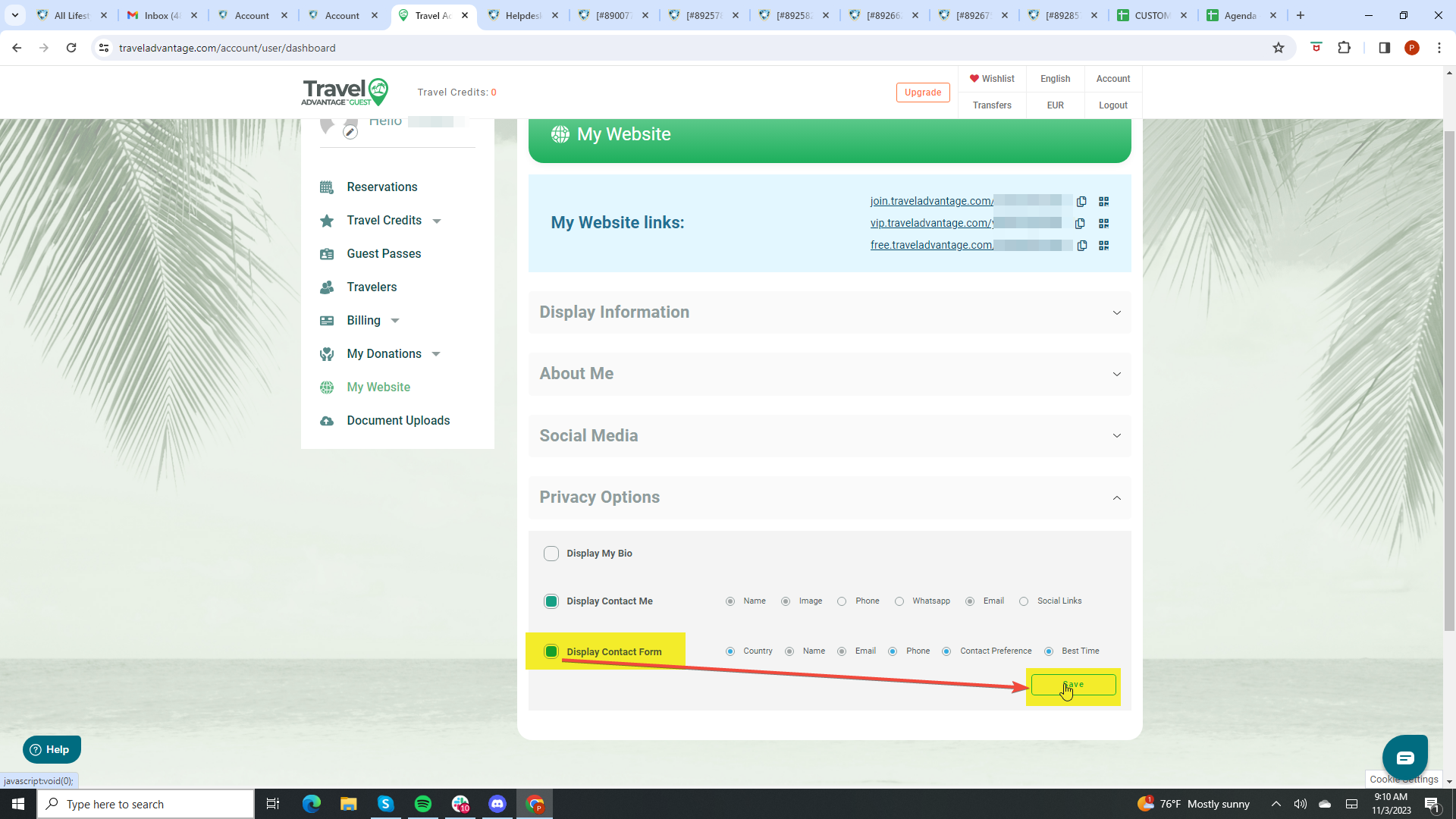
Select it and save your changes:
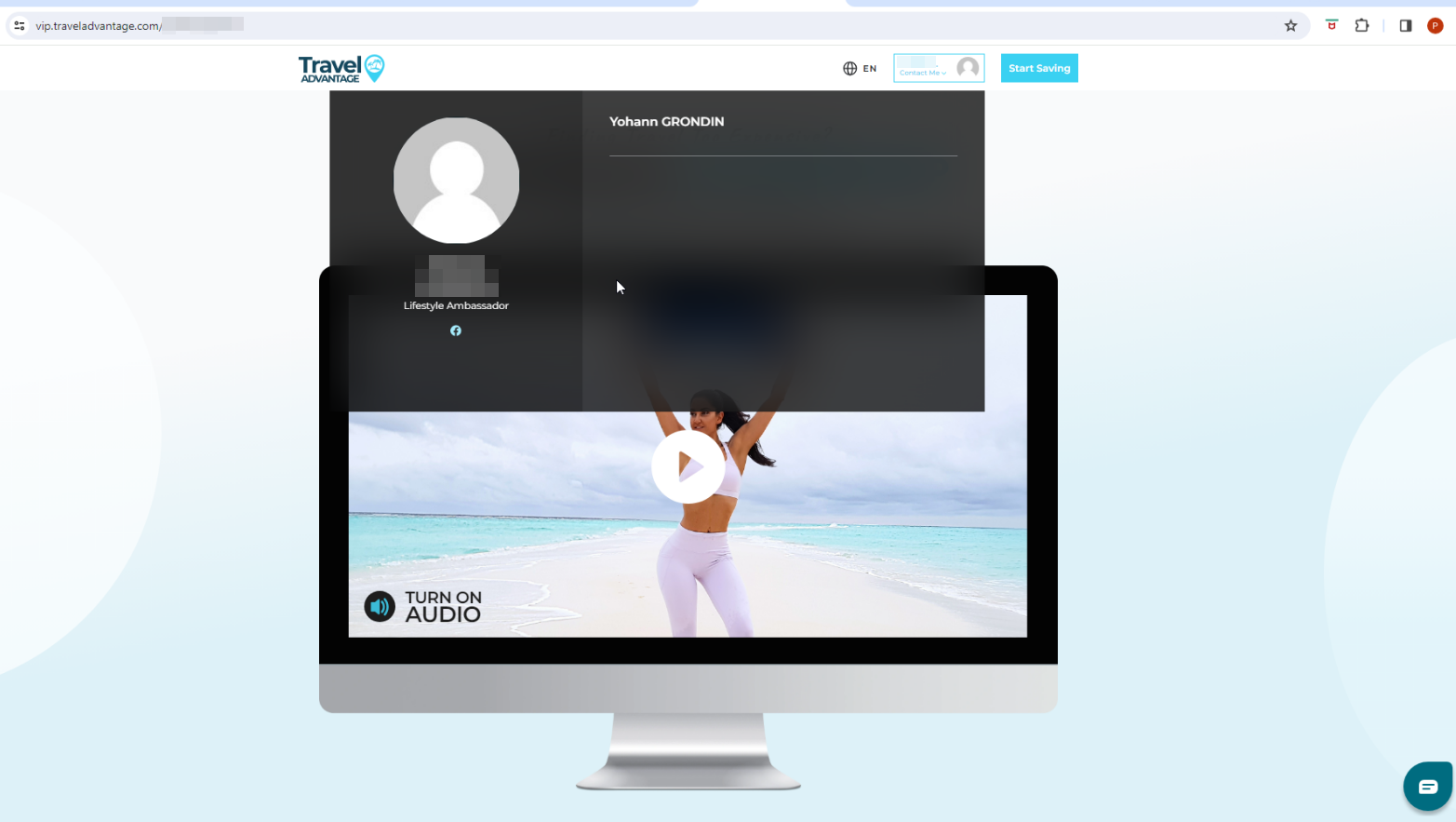
Visit your sales page again, the form should be there now: