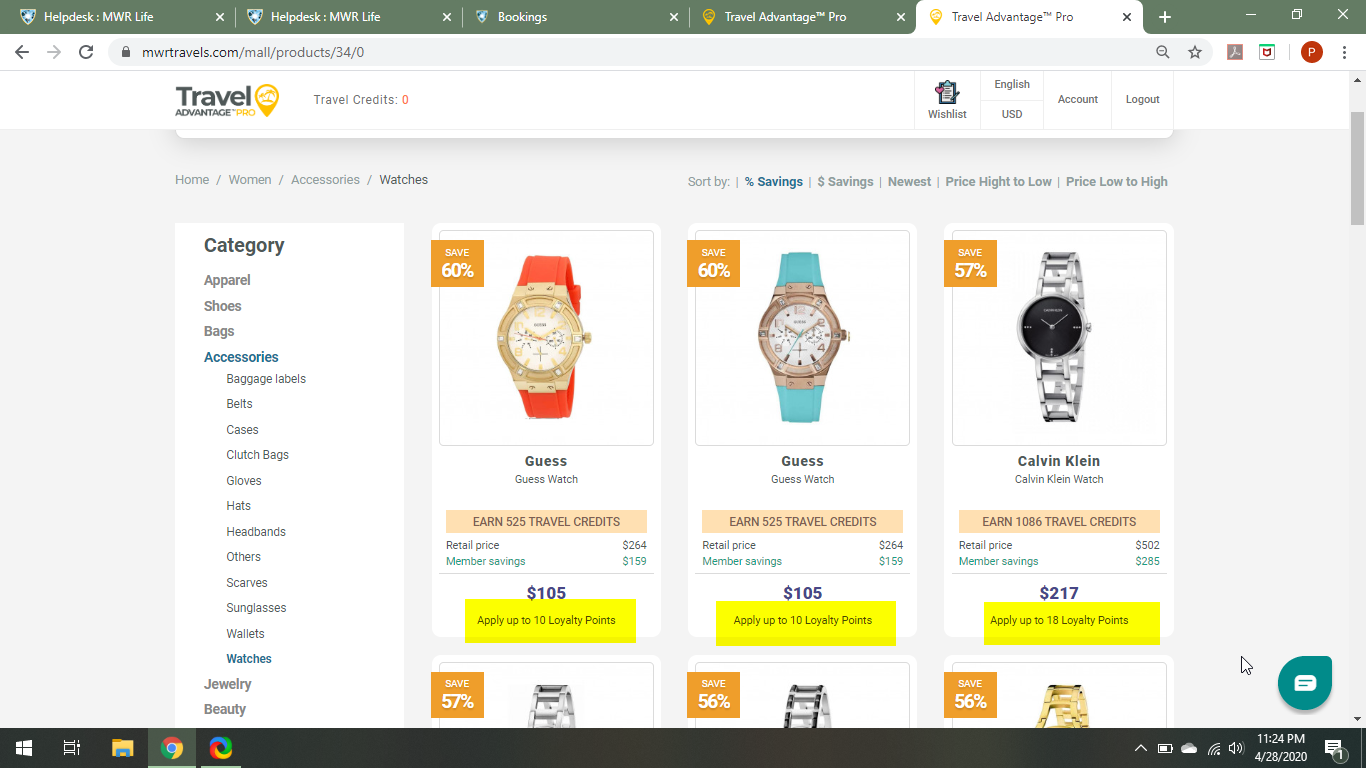
When you search, the results will show how many Loyalty Points it allows you to use to buy that particular item.
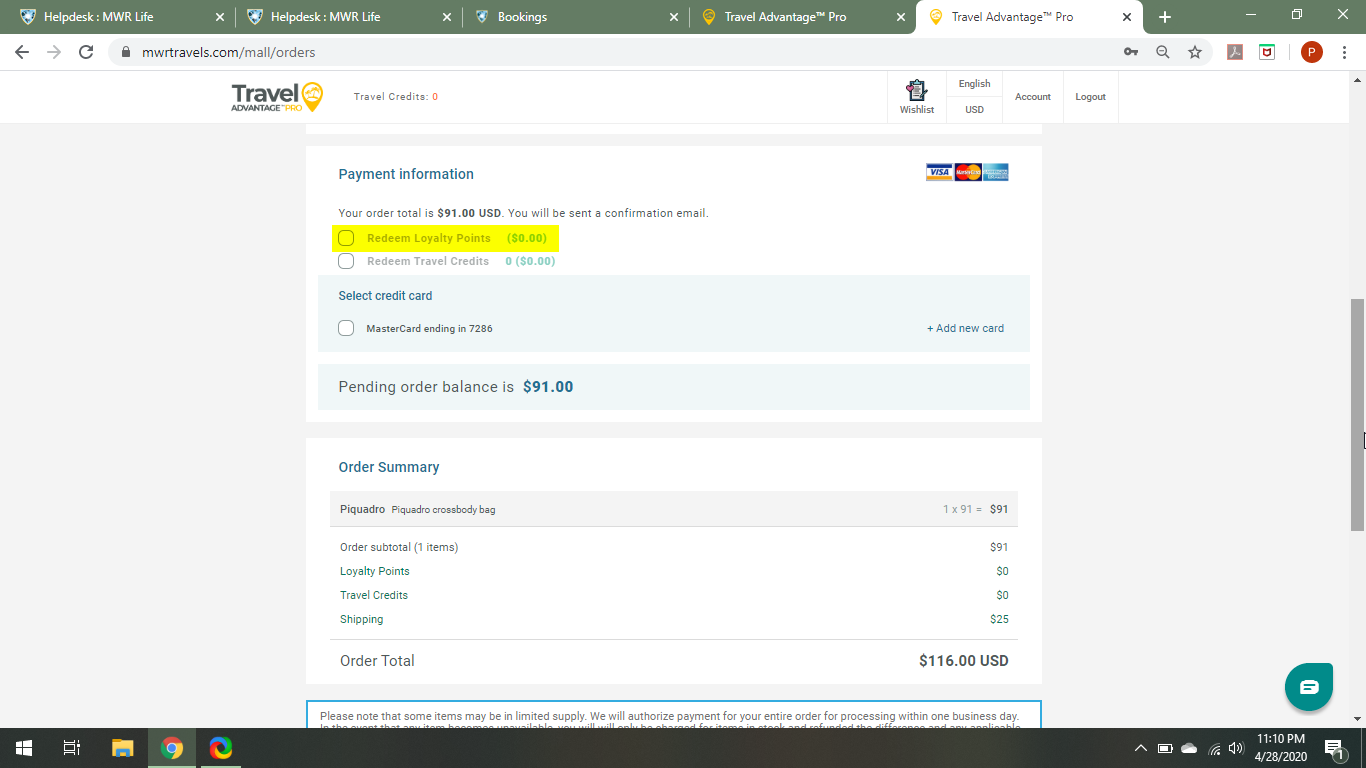
In the example below, this is highlighted in yellow.
Once you get to the checkout page, you can click on the box in front of the option to apply your Loyalty Points to that purchase: