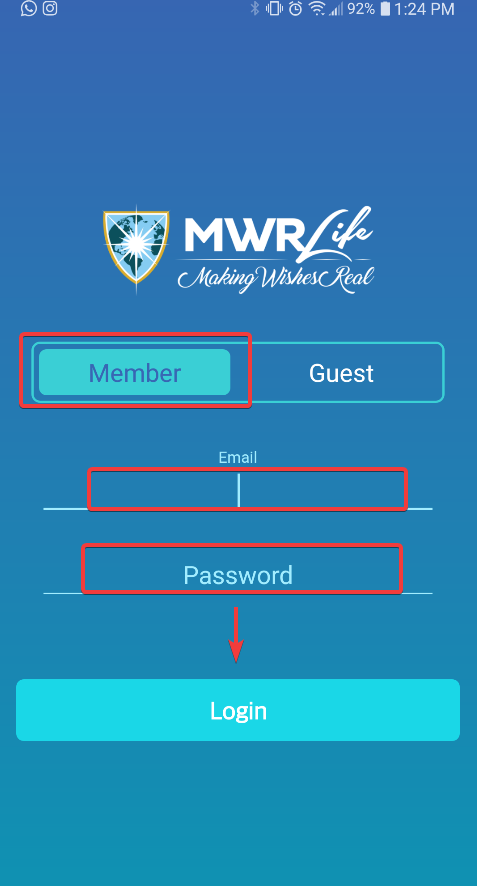
1. Once you're in the app, login using the same credentials you use for the biz center:
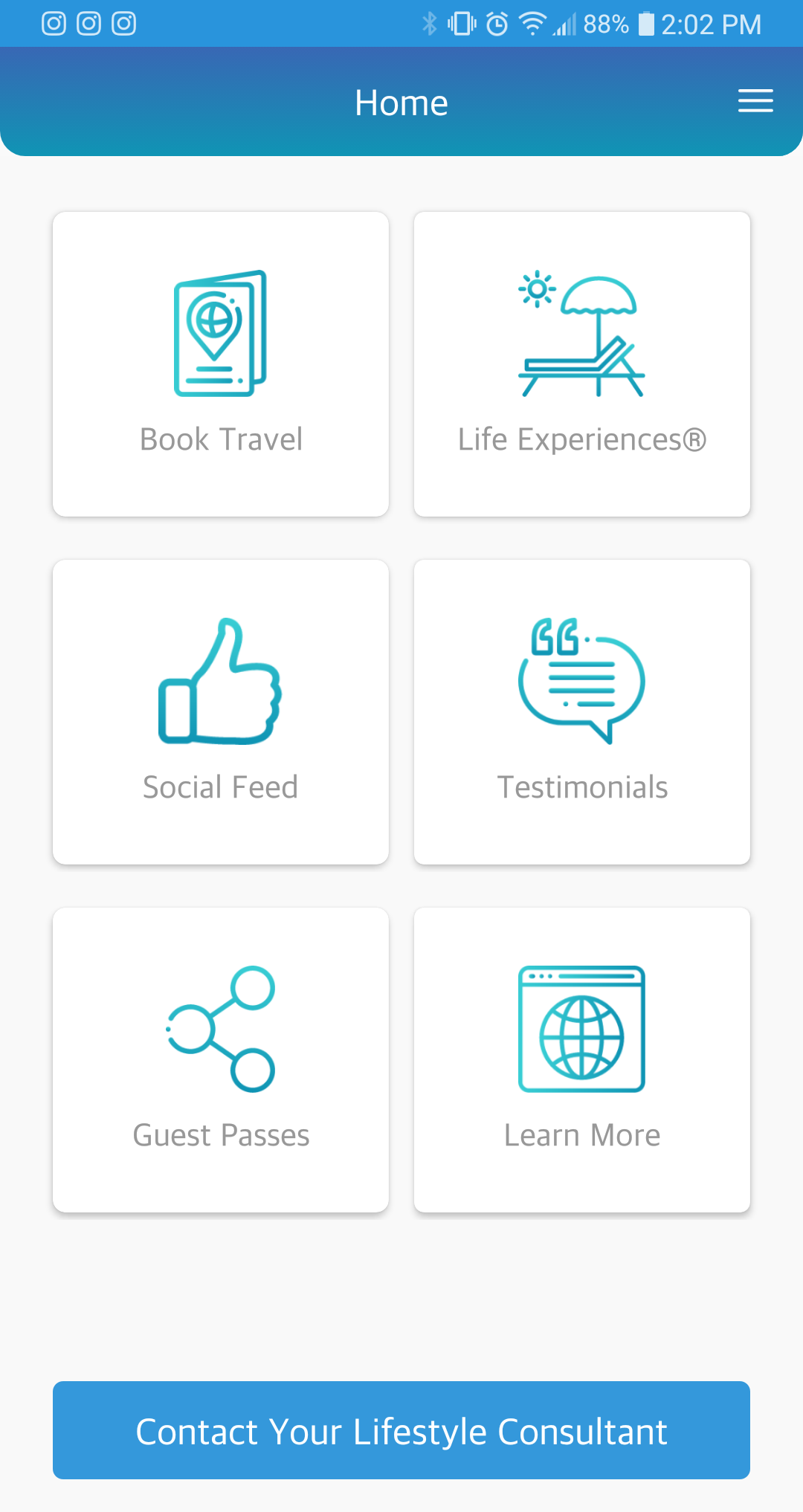
2. Once logged in, you will see the follow options:
Book Travel / Life Experiences / Social Feed / Testimonials / Guest Passes / Learn More
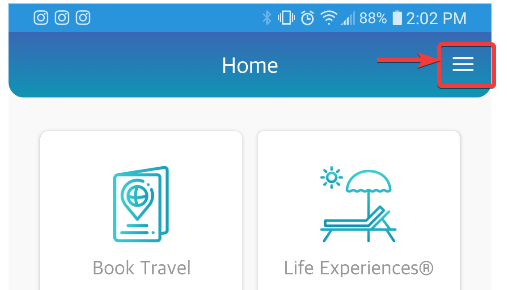
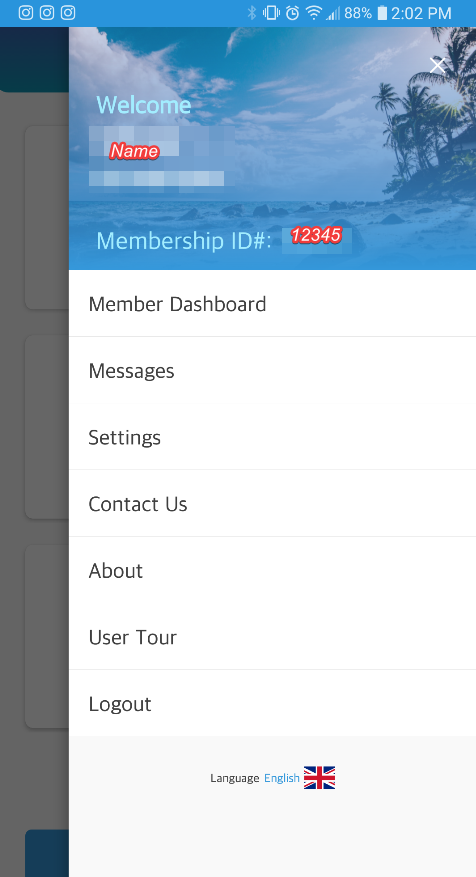
3. If you click on the icon with 3 horizontal lines on the header of the app, next to the word "Home", it will show you your general info and more options:
The membership ID is not the same as your consultant ID which appears in www.mwrlife.com in the Dashboard if you are a consultant too.
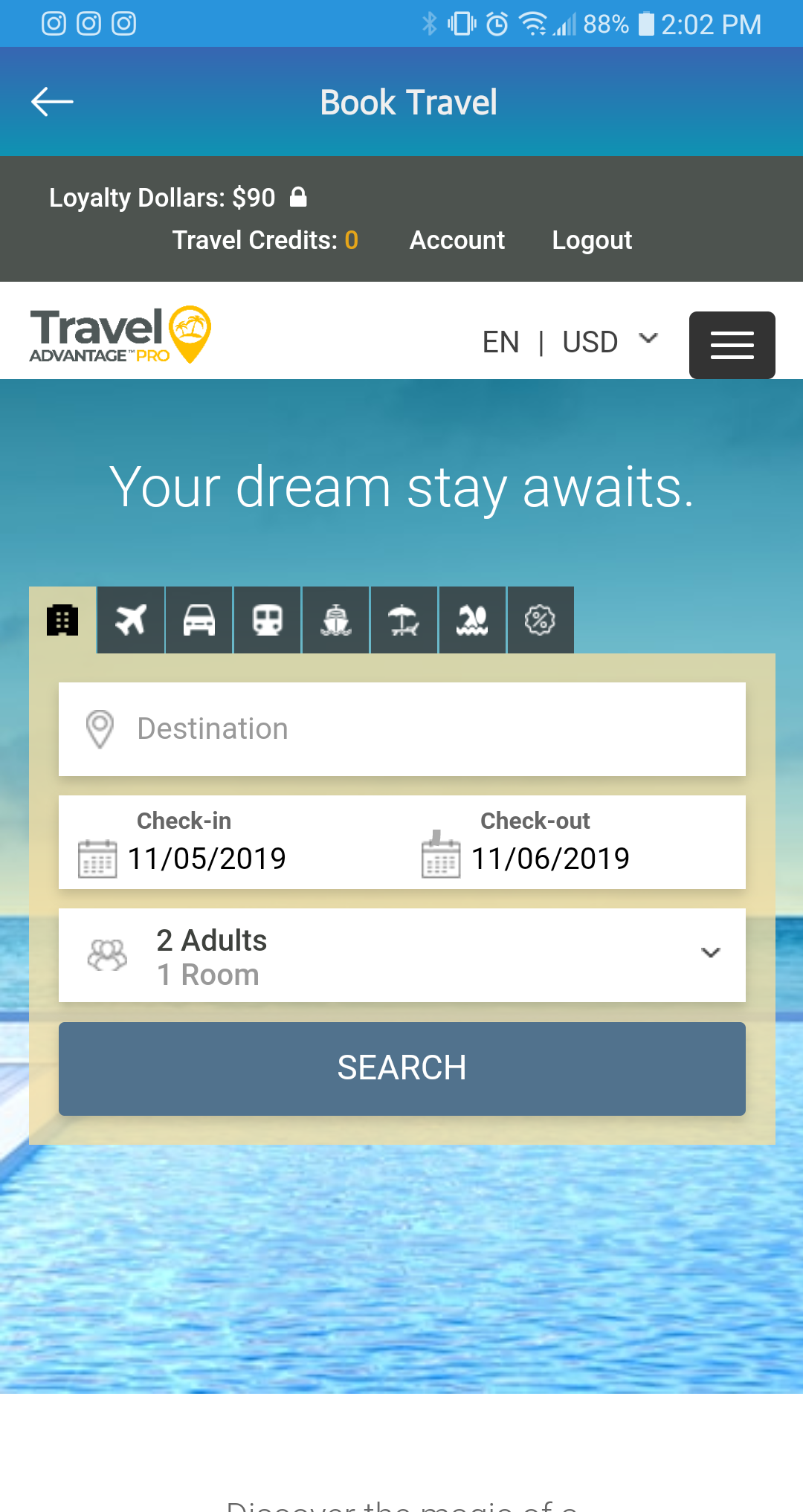
4. The Book Travel option will redirect you to the travel portal.
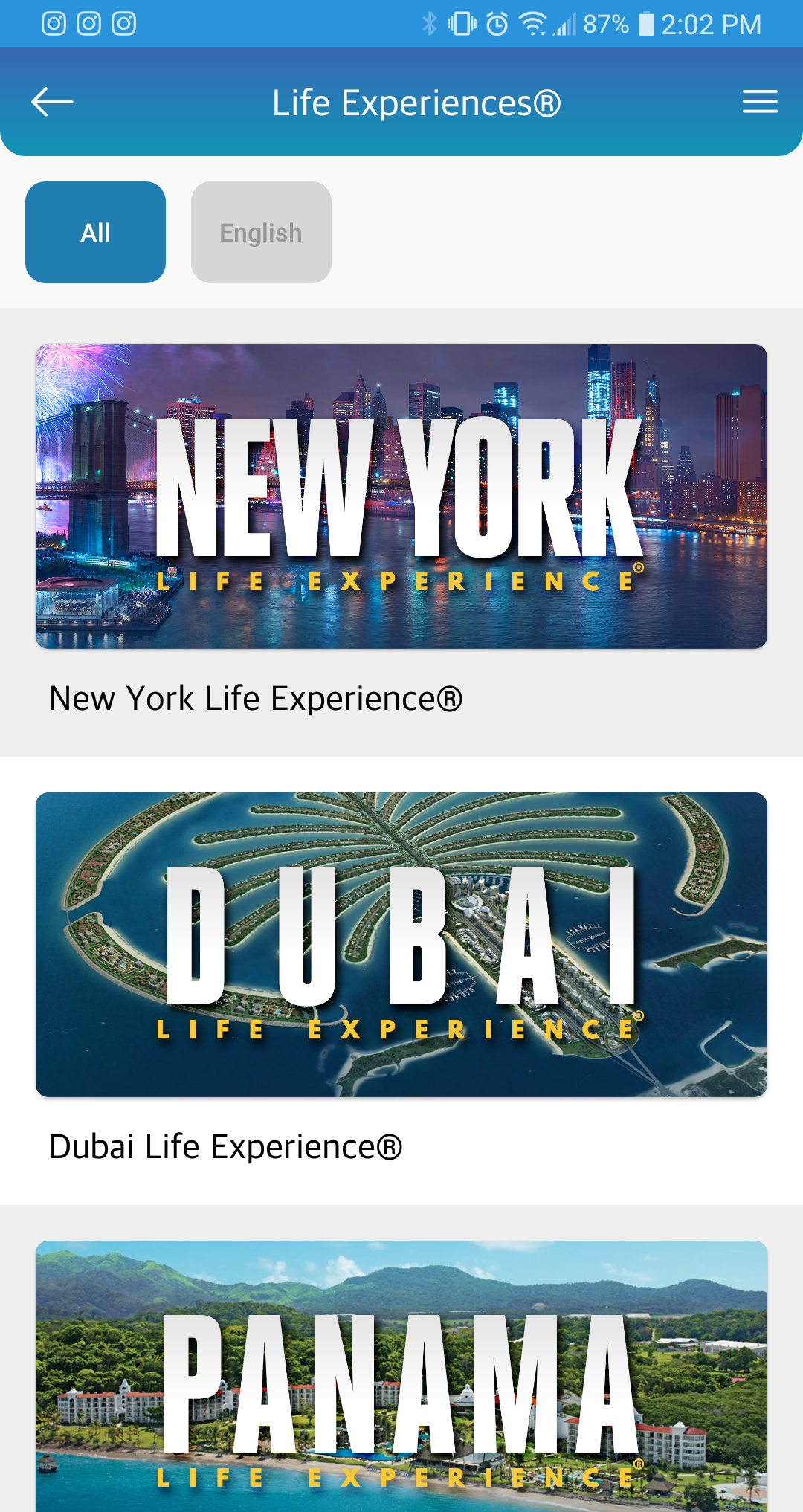
5. Life Experiences shows you our Life Experiences:
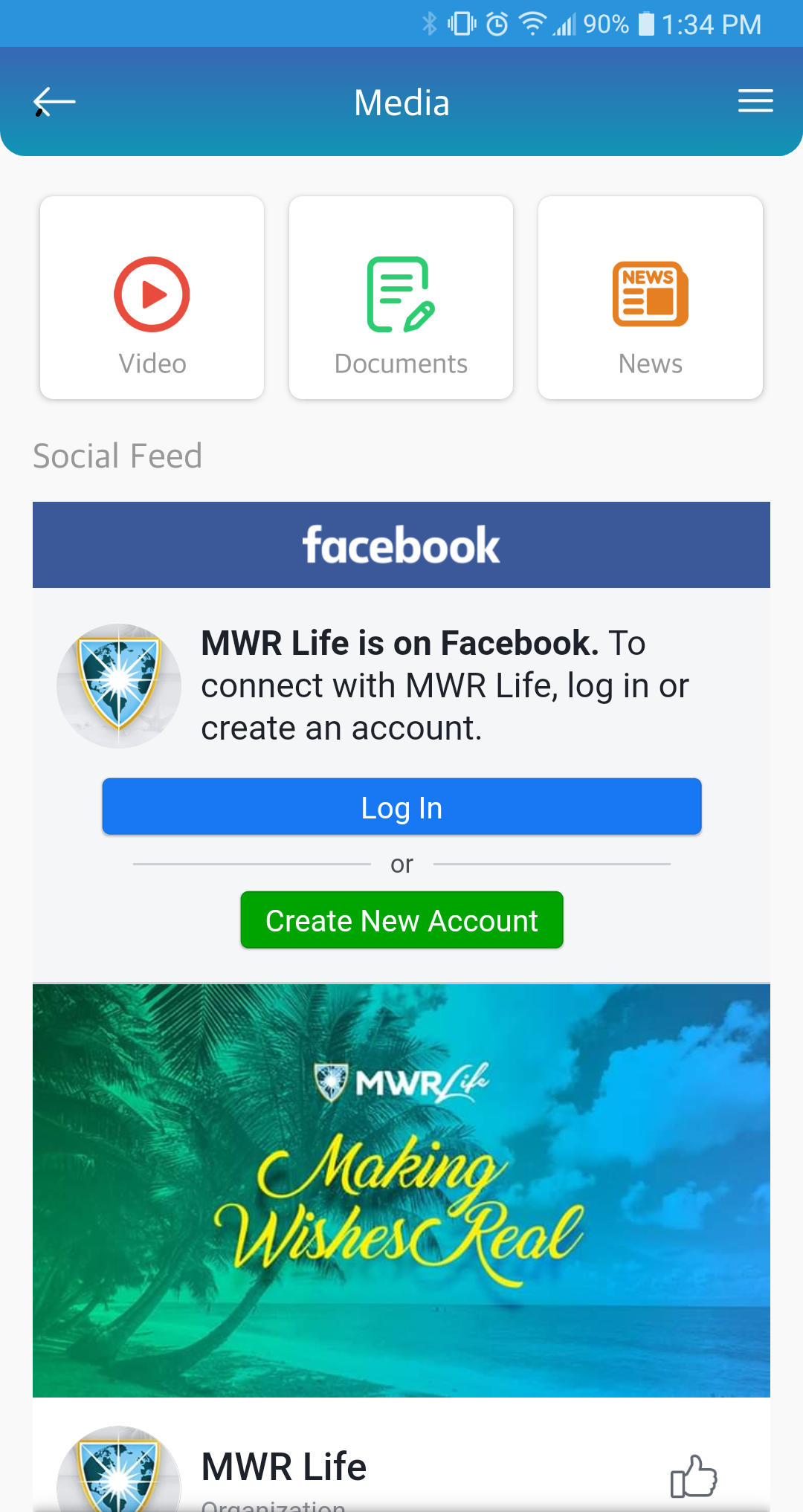
6. Social Feed leads you to our social media:
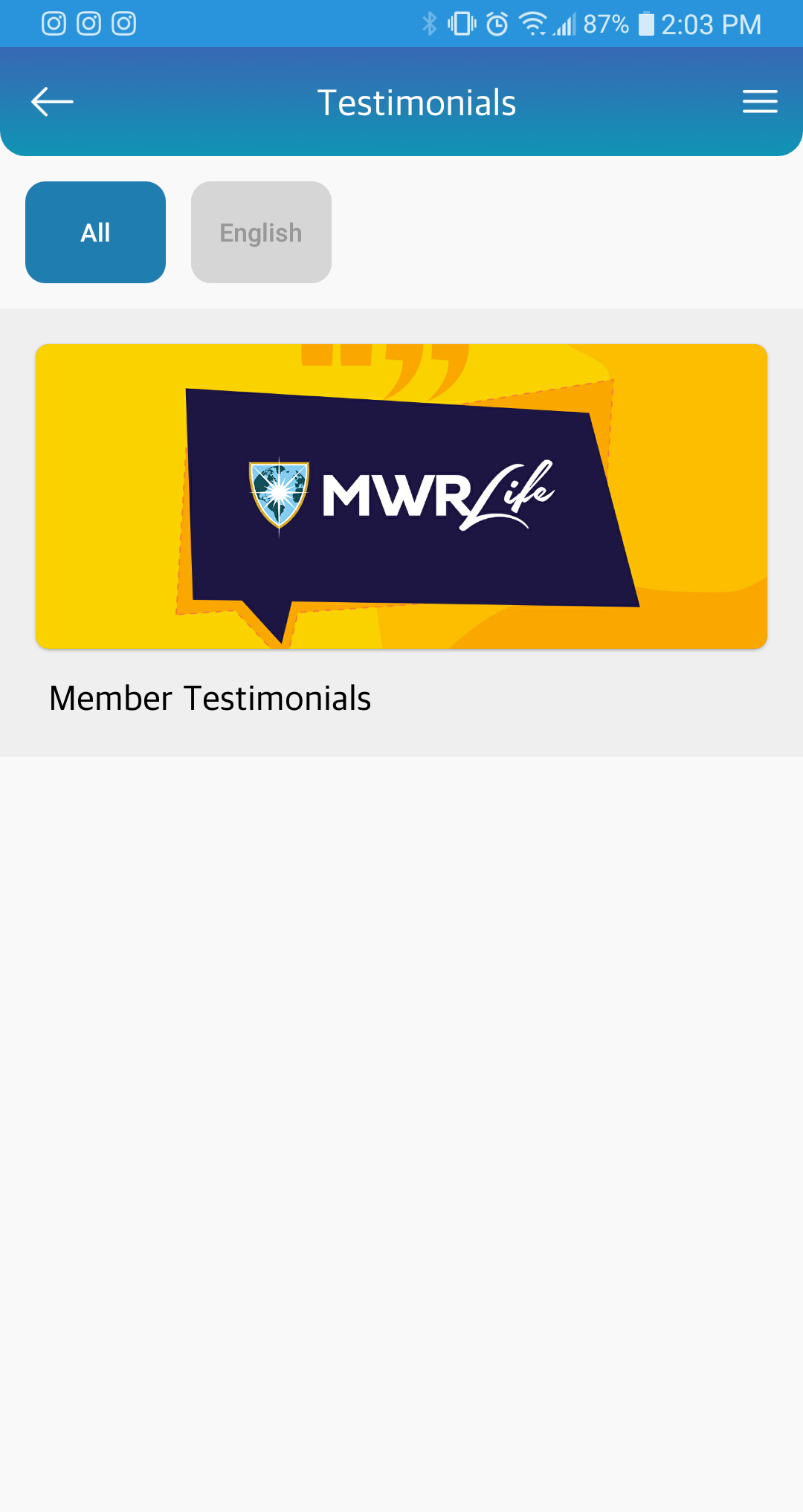
7. Testimonials shows a video with member testimonials:
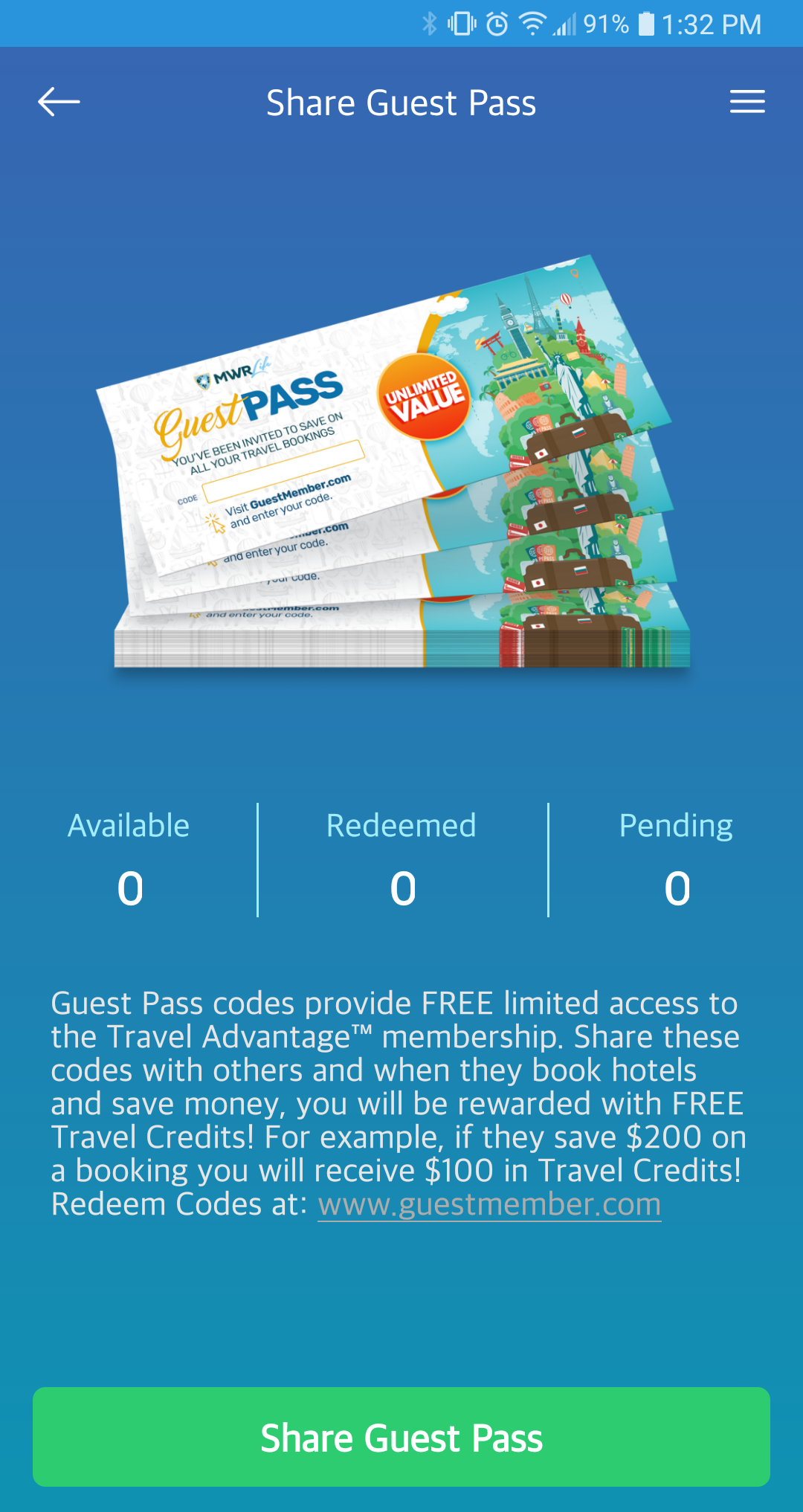
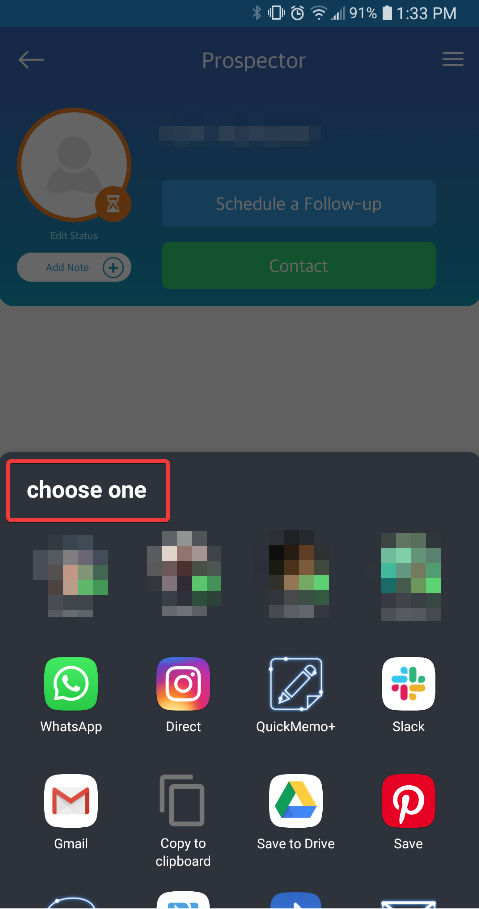
8. Guest Passes allows you to share guest passes:
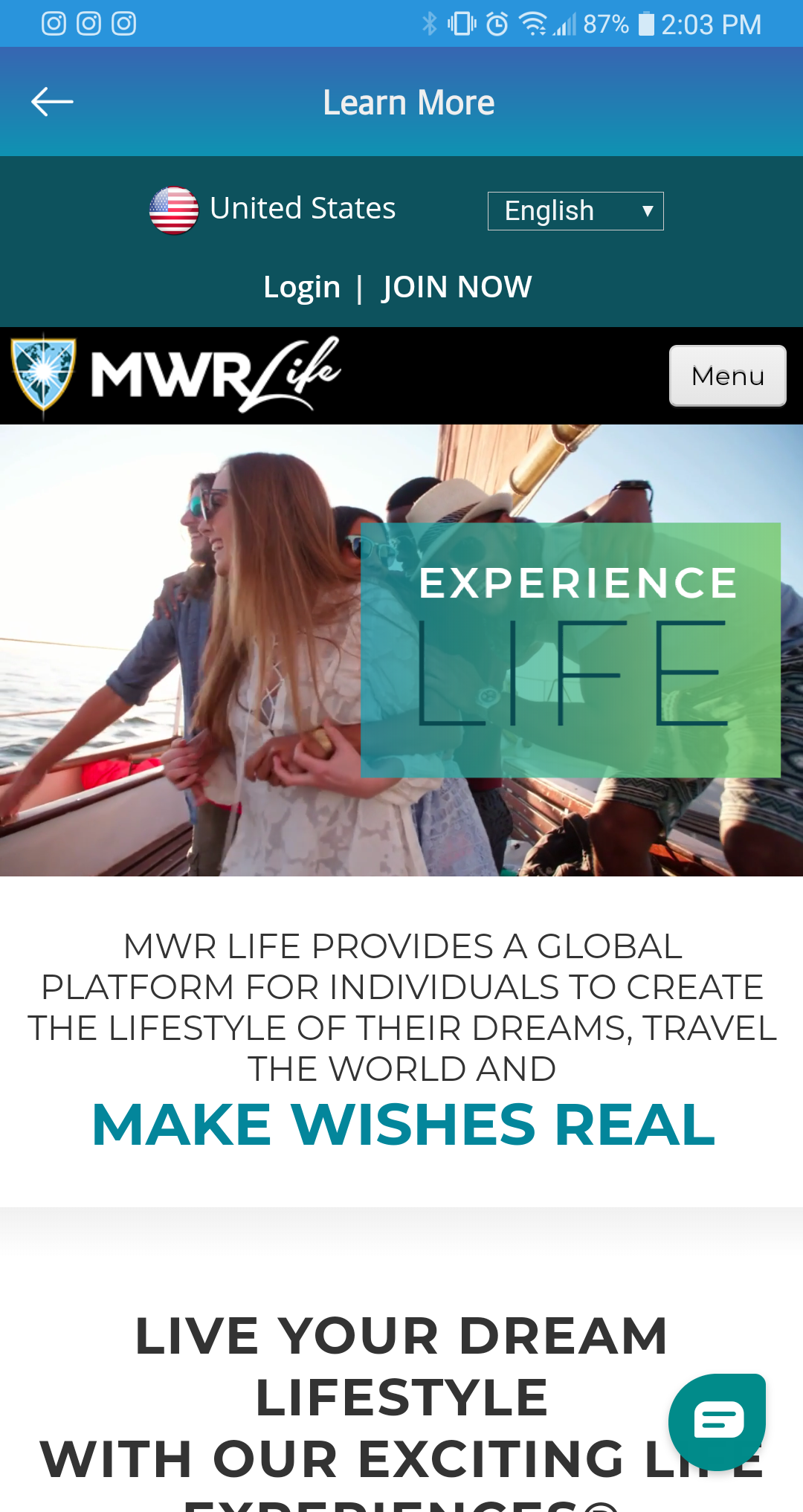
9. Learn More leads you to www.mwrlife.com: